A museum's floor plan is part of the visit. Some areas encourage movement and conversation. Others give visitors room to focus, make or observe. Labels differ between venues, so use the museum map and activity descriptions to understand what each space offers.
Common areas and what they invite
Art spaces
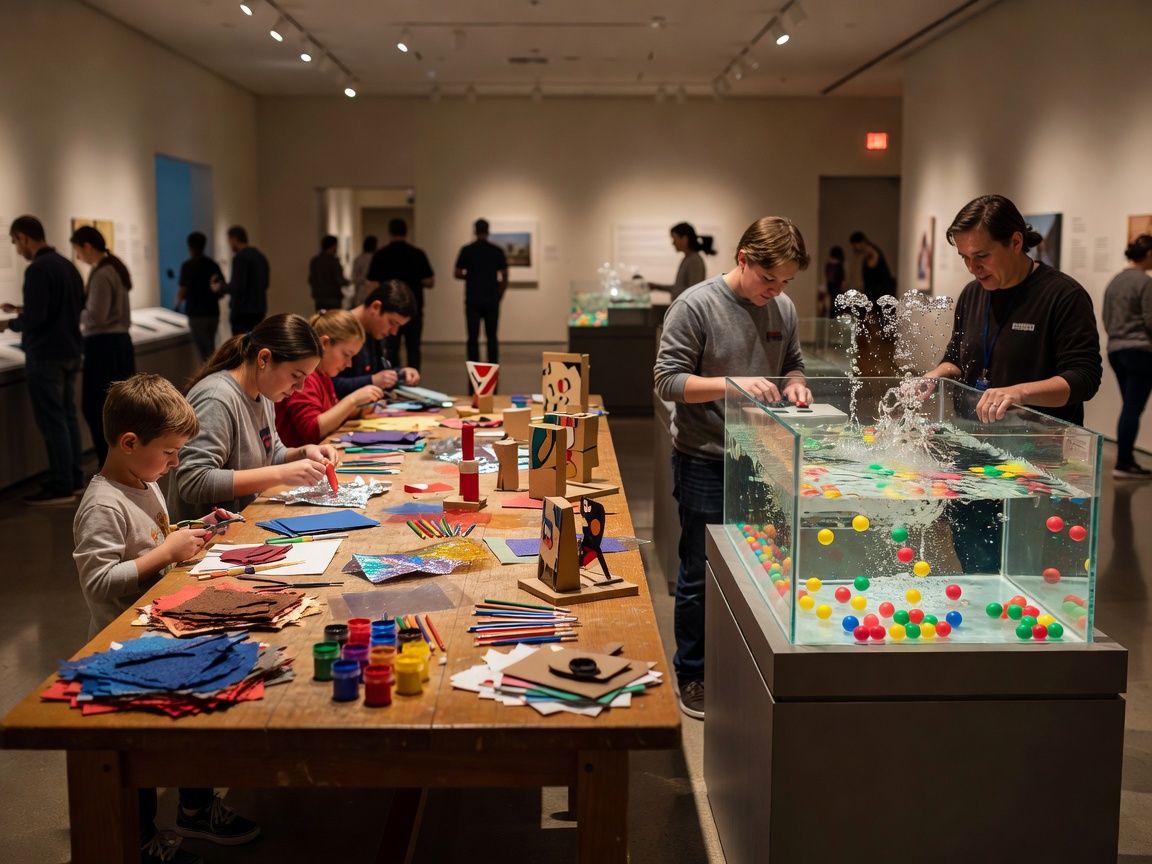
Art areas may provide drawing, printmaking, collage, sculpture or other material-based activities. Some have a set prompt; others let visitors choose materials and subjects. Look for notes about protective clothing, drying time, take-home work and whether an adult needs to assist. A making station can be active and social, but it may also require a longer stay than a quick gallery stop.
Science zones
Science areas often focus on observing, comparing, testing or operating an object. A station might invite visitors to explore light, movement, sound, water or natural forms. Read exhibit instructions and safety notes. Some activities are self-guided; others are led at set times.
Construction spaces
Building zones use blocks, connectors or large components. They can support individual projects and shared structures. Check for small parts, storage rules, standing requirements and clear paths around work in progress. Busy areas may need turn-taking.
Pretend-play environments
Role-play settings use props and scenarios to invite visitors into a situation. A play shop, workshop or community setting may encourage shared stories. Participation can be energetic and group-based. Notice whether props have a return point and whether the space has limits on group size.
Reading corners and quiet discovery
Reading areas, object collections and small observation stations can offer a slower alternative to busy activity zones. They may support a short pause or a close look at one subject. A quiet space is not necessarily silent or private. Check the venue's description and ask staff about its location and usual use.
Nature and technology areas
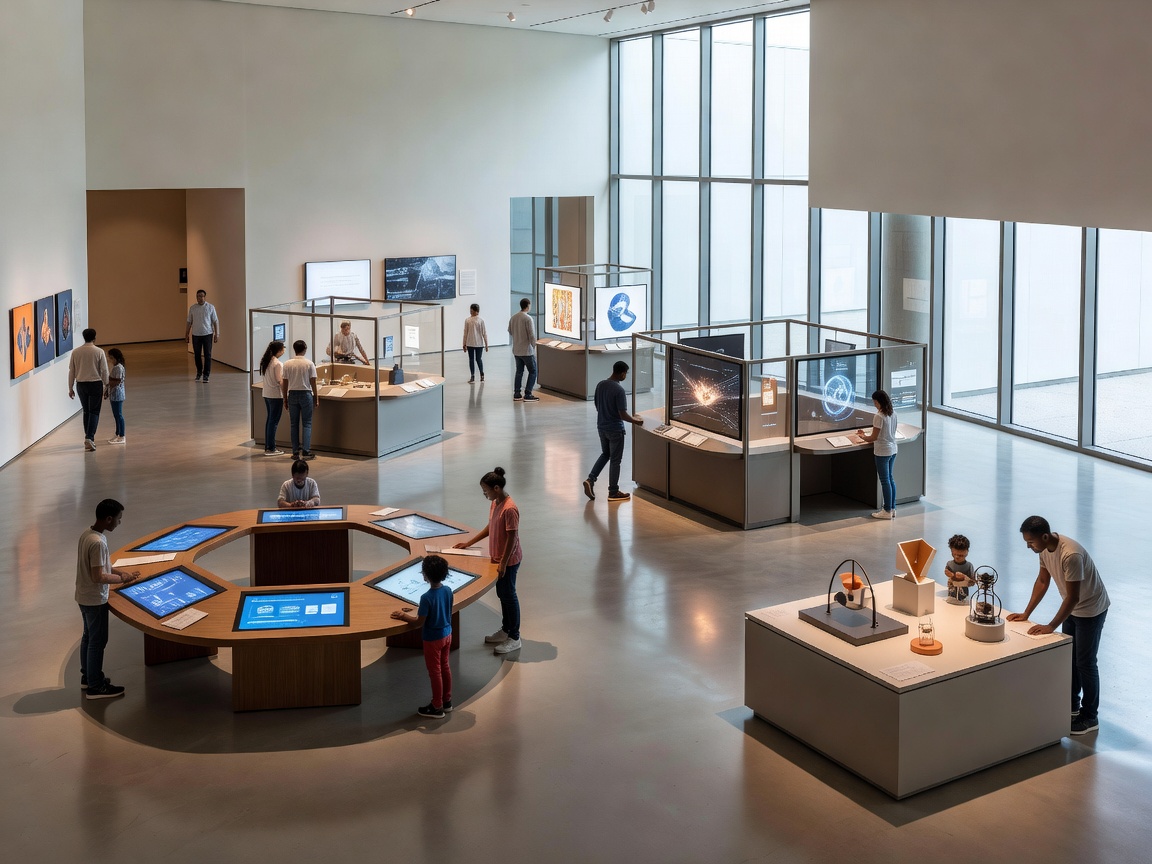
Nature displays may include specimens, seasonal materials or observation activities. Technology areas can include simple interfaces, machines or digital tools. The range is broad. Check what is hands-on, what is view-only and whether any activities depend on a particular programme or device.
Compare ways of taking part
Active versus quiet: active areas can offer movement and shared activity; quiet spaces allow closer attention or a change of pace. A floor plan can help families alternate between them. Sound and activity levels are specific to the room and time, so published information cannot predict every visit.
Structured versus open-ended: a guided task gives a clear starting point. An open-ended station gives more choice. Structured activities can be easier to approach when time is short. Open-ended materials may suit visitors who want to set their own direction. Either can be engaging, depending on the person and the design.
Individual versus group: solo observation can be calm and self-paced. Shared activities can create conversation and cooperation, but may involve waiting or negotiation. Look at the space, available materials and instructions before joining in.
Use the map as a planning tool
Pick one or two priority areas rather than trying to cover every room. Note where toilets, food, seating and exits are listed. If the map shows distinct zones, plan a route that reduces backtracking. Ask the venue whether a printed or accessible map is available and whether current spaces differ from the published floor plan.
Children may stay longer in one area than expected. Keep the plan flexible. A route is a guide, not a timetable.
Good for
Families choosing between different activity styles, visitors who need a quieter option in the itinerary, and groups with mixed interests. Area descriptions help set expectations before arrival.
What to know
- Names and layouts vary between museums.
- Check whether activities are self-guided, staffed or scheduled.
- Ask about materials, clothing and access requirements for making areas.
- Use venue maps to locate practical facilities and quieter spaces.